Image Sequence
Play an image sequence automatically or control it with scrolling.
'use client'

import { useState } from 'react'
import { ImageSequence } from '@/components/image-sequence'
import { cn } from '@/lib/utils'

const sequences = [
  {
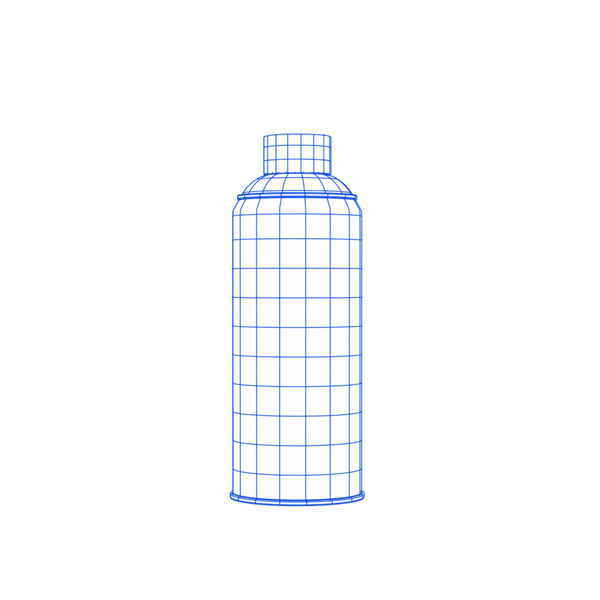
    name: 'Grafitty Can',
    frameCount: 71,
    getImagePath: (idx: number) =>
      `https://qfxa88yauvyse9vr.public.blob.vercel-storage.com/sequence-01/Lata${String(idx).padStart(2, '0')}.webp`,
  },
  {
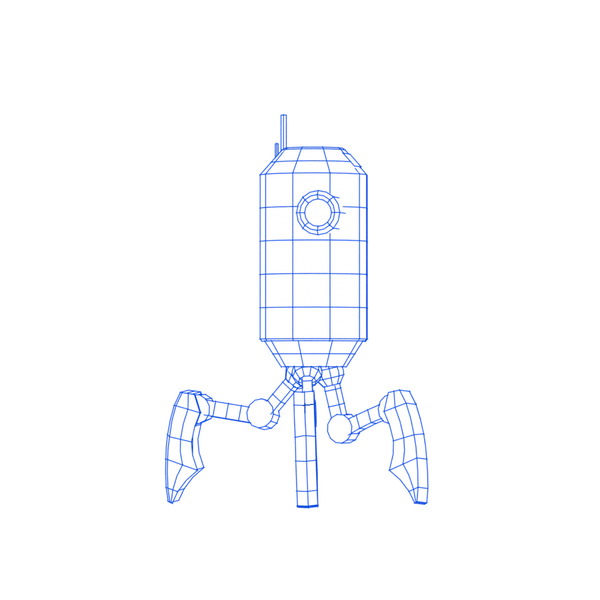
    name: 'Sentinel Bot',
    frameCount: 71,
    getImagePath: (idx: number) =>
      `https://qfxa88yauvyse9vr.public.blob.vercel-storage.com/sequence-02/Bot${String(idx).padStart(2, '0')}.webp`,
  },
  {
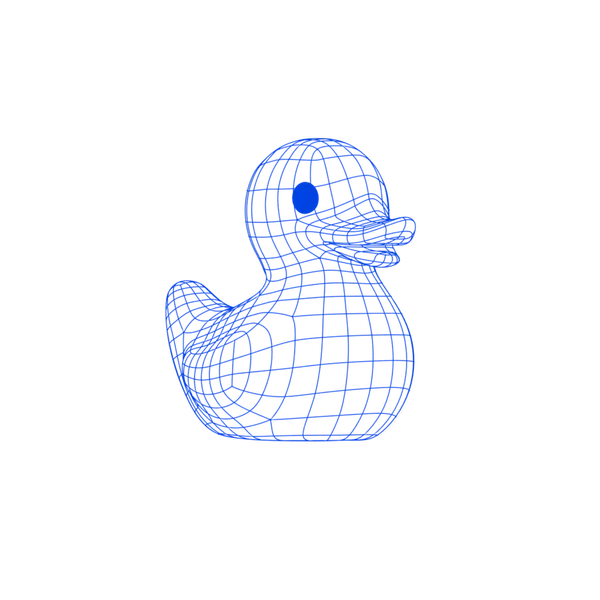
    name: 'Rubber Duck',
    frameCount: 71,
    getImagePath: (idx: number) =>
      `https://qfxa88yauvyse9vr.public.blob.vercel-storage.com/sequence-03/Ducky${String(idx).padStart(2, '0')}.webp`,
  },
]

function ImageSequenceDemo() {
  const [activeIndex, setActiveIndex] = useState(0)

  return (
    <div className="flex min-h-80 w-full items-center justify-center p-8">
      <div className="flex flex-wrap items-center justify-center gap-6">
        {sequences.map((seq, index) => {
          const isActive = index === activeIndex

          return (
            <div
              key={seq.name}
              className="relative cursor-pointer"
              onMouseEnter={() => setActiveIndex(index)}
              onFocus={() => setActiveIndex(index)}
              tabIndex={0}
            >
              <ImageSequence
                sequenceId={seq.name}
                poster={{ src: seq.getImagePath(0), width: 600, height: 600 }}
                alt={seq.name}
                frameCount={seq.frameCount}
                frameDuration={33}
                source={seq.getImagePath}
                playing={isActive}
                resetOnPause
                className={cn(
                  'size-50 transition-opacity duration-200',
                  !isActive && 'opacity-50'
                )}
              />

              {/* Active frame indicator */}
              <div
                className={cn(
                  'pointer-events-none absolute inset-0 border-2',
                  isActive
                    ? 'border-primary opacity-100'
                    : 'border-transparent opacity-0'
                )}
              >
                <span className="bg-primary text-primary-foreground absolute top-0 -left-0.5 -translate-y-full px-1 py-0.5 font-mono text-xs uppercase">
                  {seq.name}
                </span>
              </div>
            </div>
          )
        })}
      </div>
    </div>
  )
}

export default ImageSequenceDemo
Installation
Usage
import { ImageSequence } from '@/components/image-sequence'

const source = (index: number) =>
  `/frames/frame_${String(index).padStart(2, '0')}.webp`

export function ProductSpin() {
  return (
    <ImageSequence
      sequenceId="product-spin"
      poster={{ src: source(0), width: 1080, height: 1080 }}
      frameCount={71}
      source={source}
      alt="Rotating product"
      className="aspect-square w-full max-w-96"
    />
  )
}
Playback loops by default. Set loop={false} to play once and use onComplete
to respond when it finishes. Change sequenceId to replay or replace the sources.
Set playing={false} to pause on the current frame. For hover previews, add
resetOnPause to return to the starting frame (or poster) and restart on resume.
Use priority="sequential" to wait for every frame. The default, "hybrid", can
skip frames to keep pace when loading is slow.
Scroll scrubbing
Use mode="scrub" and pass a zero-based frame index as target. Scroll the page
to animate the duck below; scrolling back up reverses it.
Scroll the page to animate the duck.
0%'use client'
import { useEffect, useRef, useState } from 'react'
import { Cluster, Filler } from '@/components/ui/cluster'
import { ImageSequence } from '@/components/image-sequence'
const frameCount = 71
const source = (index: number) =>
`https://qfxa88yauvyse9vr.public.blob.vercel-storage.com/sequence-03/Ducky${String(index).padStart(2, '0')}.webp`
export default function ImageSequenceScrollDemo() {
const section = useRef<HTMLDivElement>(null)
const [target, setTarget] = useState(0)
useEffect(() => {
let raf = 0
const update = () => {
cancelAnimationFrame(raf)
raf = requestAnimationFrame(() => {
if (!section.current) return
const { top, height } = section.current.getBoundingClientRect()
const margin = window.innerHeight * 0.2
const distance = Math.max(1, height + window.innerHeight - margin * 2)
const progress = Math.max(
0,
Math.min(1, (window.innerHeight - margin - top) / distance)
)
setTarget(Math.round(progress * (frameCount - 1)))
})
}
update()
window.addEventListener('scroll', update, { passive: true })
window.addEventListener('resize', update)
return () => {
cancelAnimationFrame(raf)
window.removeEventListener('scroll', update)
window.removeEventListener('resize', update)
}
}, [])
return (
<div className="w-full">
<Cluster direction="col" align="stretch">
<Cluster>
<p className="p-3 text-sm">Scroll the page to animate the duck.</p>
<Filler />
<span className="w-12 shrink-0 py-3 text-center font-mono text-sm tabular-nums">
{Math.round((target / (frameCount - 1)) * 100)}%
</span>
</Cluster>
<div ref={section} className="grid h-96 place-items-center">
<ImageSequence
sequenceId="scroll-duck"
poster={{ src: source(0), width: 600, height: 600 }}
frameCount={frameCount}
source={source}
mode="scrub"
target={target}
alt="Duck animated by page scrolling"
className="size-64 max-h-full max-w-full"
/>
</div>
</Cluster>
</div>
)
}
Responsive sources
poster and source(index) accept a URL string or an object with src, srcSet,
sizes, width, and height. Use width descriptors (w) for responsive frames:
const source = (index: number) => ({
  src: `/frames/1080/${index}.webp`,
  srcSet: `/frames/320/${index}.webp 320w, /frames/640/${index}.webp 640w, /frames/1080/${index}.webp 1080w`,
  sizes: '(max-width: 768px) 100vw, 630px',
  width: 1080,
  height: 1080,
})
Props
| Prop | Type | Default | Behavior |
|---|---|---|---|
sequenceId | string | Required | Change to replace sources or replay intentionally |
poster | FrameSource | Required | Image shown before playback and with reduced motion |
frameCount | number | Required | Number of frames |
source | (index: number) => FrameSource | Required | Frame URL or responsive candidates |
alt | string | Required | Meaningful description, or "" for decoration |
className | string | — | Root styling; target inner elements with data slots |
playing | boolean | true | Play or pause the sequence |
resetOnPause | boolean | false | Reset on pause and restart on resume |
enabled | boolean | true | Enable loading and playback; disabling holds the last frame |
mode | "autoplay" | "scrub" | "autoplay" | Autoplay or manual frame control |
target | number | initialFrame | Frame to display in scrub mode |
frameDuration | number | 1000 / 24 | Milliseconds per frame |
loop | boolean | true | Repeat the configured range |
loopStart | number | 0 | Inclusive lower bound |
loopEnd | number | frameCount - 1 | Inclusive upper bound |
initialFrame | number | loopStart | Starting frame, clamped to the range |
loadInitial | boolean | false | Load the starting frame before entering view |
priority | "sequential" | "hybrid" | "hybrid" | Wait for each frame or skip to keep pace |
ahead | number | 7 | Frames to preload ahead when scrubbing |
behind | number | 3 | Frames to preload behind when scrubbing |
pixelated | boolean | false | Set pixelated image rendering |
onFrame | (index: number) => void | — | Called when a frame is displayed |
onComplete | () => void | — | Called when non-looping playback finishes |
Styling and accessibility
Set poster dimensions and a container aspect ratio to avoid layout shifts.
Use alt="" for decorative sequences. Reduced motion shows the poster instead
of playing; use playing to connect a pause control when needed.
Style the root with className and the image through its data slot:
<ImageSequence
  {...props}
  className="aspect-video w-full **:data-[slot=sequence-image]:object-cover"
/>
To fill an existing aspect-ratio wrapper, give the wrapper relative and the
player className="absolute inset-0 size-full".
Hosting frames
Images hosted on another domain must allow CORS requests from your site.
If you use a Content Security Policy, allow the image host in connect-src
and img-src, plus blob: in img-src.