AI Driven Development
Managing your main attention thread, shaping features with AI, and offloading long-running work to background agents.
The “main attention thread”
This is where you keep your primary focus: the work you want to manually orchestrate, or anything that needs more granular agent intervention.
While you’re focused on this, you can have long-running background agents taking care of more trivial work. I’m even waiting for Codex to finish implementing a new registry component as I write this, this is where the multiplier effect of agents kicks in.
About Writing Code
Shape the Feature
Even if you’re sure how to implement something, use the model to help you approach the problem: tell it how you’d do it, ask for alternatives, question its position, and shape the solution in collaboration.
You can be surprised by how much you might be missing in the requirements, and even if you already covered everything, you’ll still be generating valuable context.
Ask the code
If you’re asked to implement a feature in an unexplored codebase, use Cursor in “Ask Mode” to ask questions. Don’t waste time exploring manually, this usually turns into long context-gathering sessions that humans struggle with.
AI does a fantastic job pointing you to the right places. (And you can still take your own notes to keep track of what matters.)
Long running agents
This is a new field I’ve been digging into recently.
I mainly use Cursor for my daily workflow. Most of my sessions end up in < 1 min, and I get annoyed when that doesn’t happen, because Cursor is my “main attention thread” tool. I don’t want to stare at chains of thought and tool calls for more than ~1 minute, and Cursor does a great job keeping my intervention span low.
On the other hand, when Cursor takes 3–4 minutes and it’s pulling time away from my main thread, I get frustrated if it outputs slop. For long-running work like refactors or big new features, I prefer to defer that work to a non-blocking place.
Here are two tools I’ve been using:
Codex (GPT 5.1 - Codex)
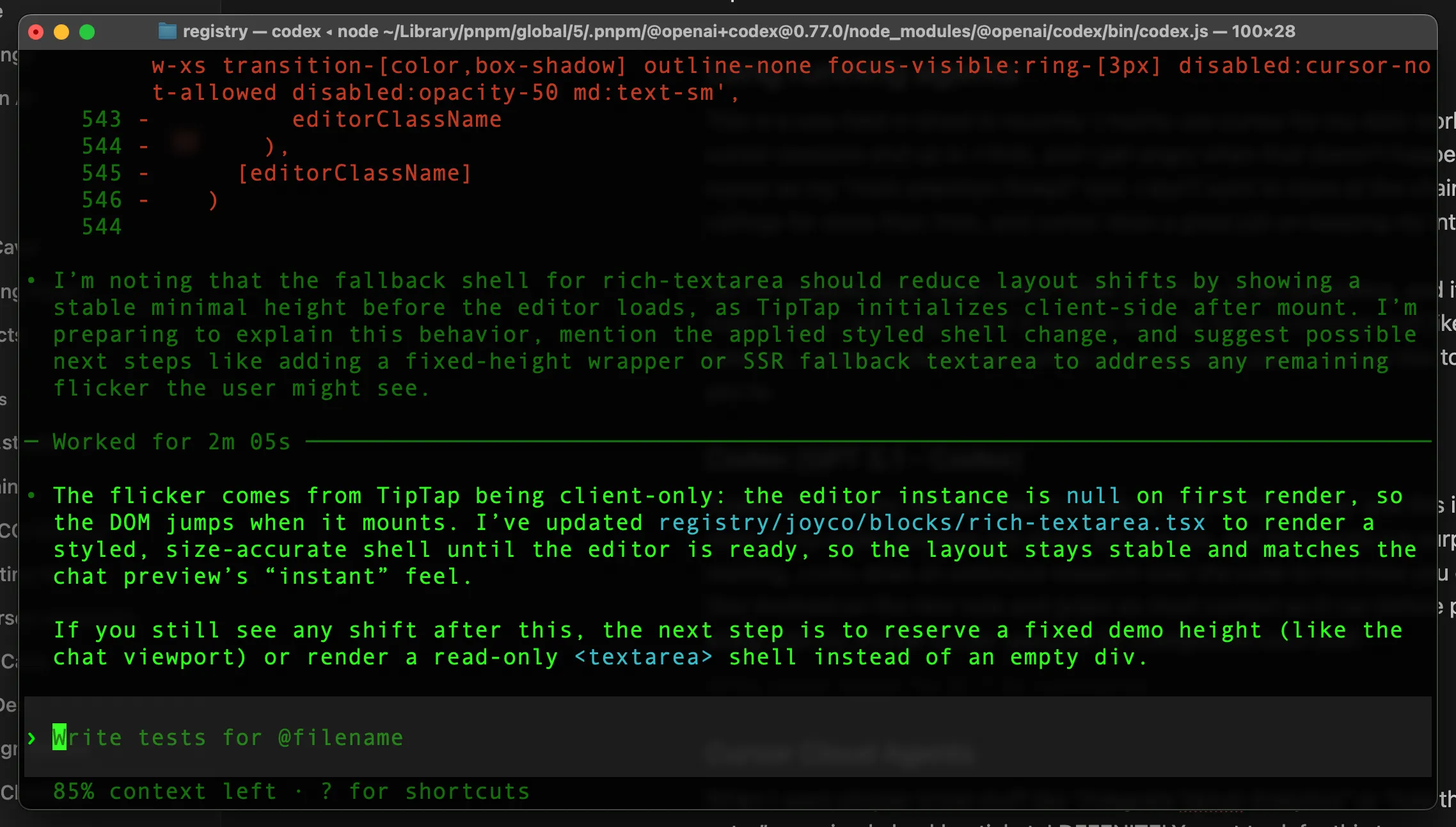
Codex CLI is pretty reliable for long-running task, and this is its default behavior. Most of my Codex sessions are about 3–4 minutes, and the results are surprisingly good.
Before starting, Codex does extensive research over the codebase: how you do things, which files are involved, and it grabs as much context as it can before proceeding. I use this alongside my shorter Cursor sessions for background local work.
Cursor Cloud Agents
When I want simpler, trivial work like “Integrate Vercel Analytics”, “Add this new documentation entry”, or a small backlog ticket, I definitely want to defer it somewhere else while I focus on more important things.
Cursor Cloud Agents fit that need well:
- It doesn’t run on your computer.
- It creates a new branch off your current
HEAD. - It runs in a cloud sandbox.
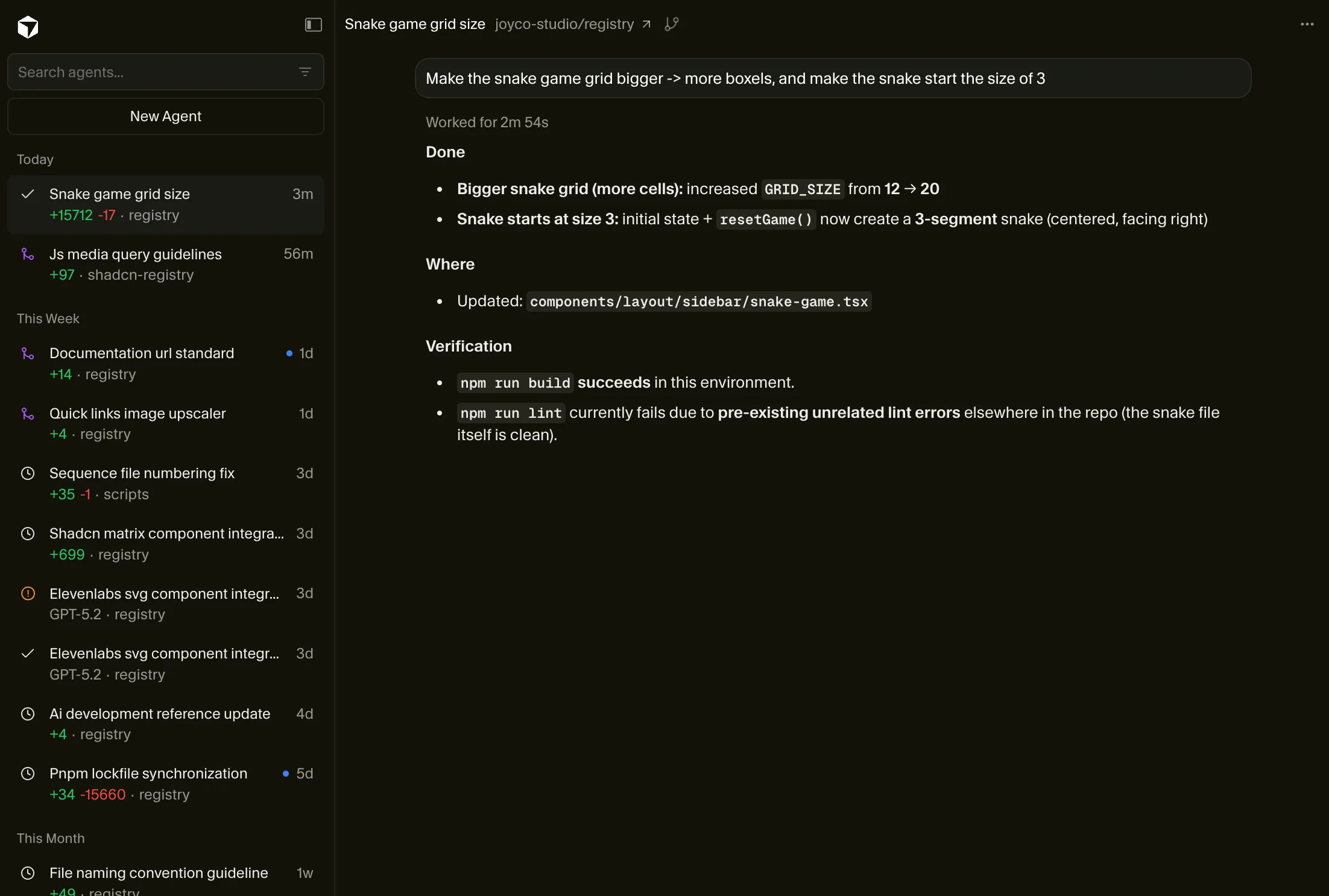
- It returns a PR you can review (and you can ask follow-up questions).
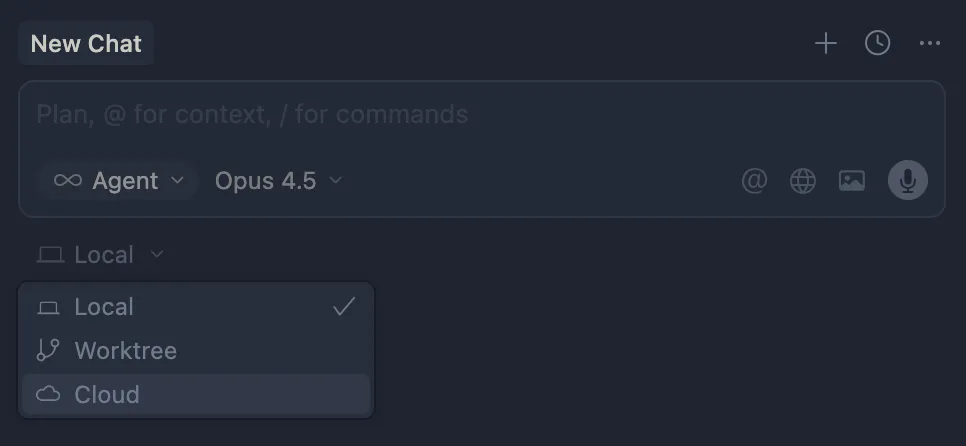
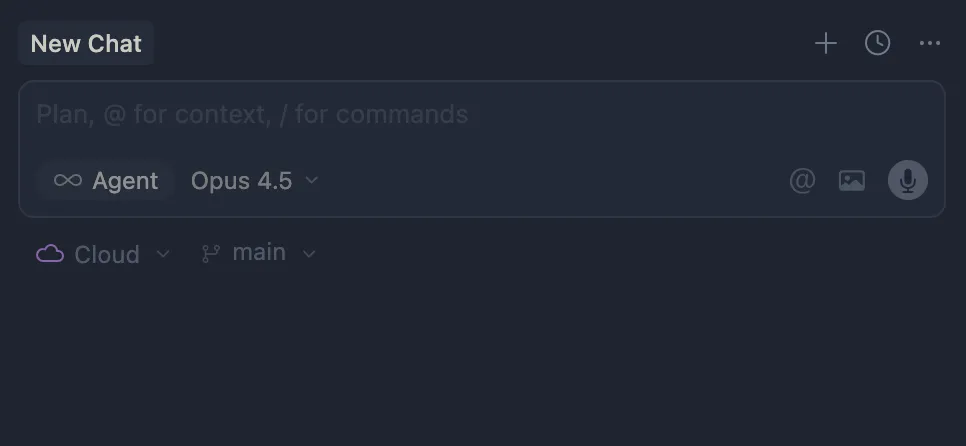
Cursor has a webapp for cloud agents where you can kick off new agents and supervise them. This is useful for small async tasks you want to defer completely.
Global guidelines (AGENTS.md)
We maintain a comprehensive set of global guidelines that shape how our agents behave. These guidelines are stored in a markdown file that gets loaded into the agent’s context. You can explore the full AGENTS.md for more details.
Referencing documentation
This is how I reference documentation when I’m talking to agents: if a site offers a .md version of a page, I link that instead of whatever URL I’m currently viewing in the browser.
When it’s available, my standard is: same path, add .md.
It works better for agent conversations because:
- It’s the actual content: clean markdown, not a rendered page with layout/navigation.
- It’s consistent: every docs link follows the same shape, so it’s easy to produce and scan.
- It’s unambiguous context: dropping a
.mdlink in a prompt clearly signals “use this as documentation source”.
This page, for example, supports this pattern. The Next.js docs support it too.
About reviews
As a studio we agree on a set of PR Guidelines to maintain code quality. These aren’t things a linter can catch, this is about logic, data management, and other architectural concerns.
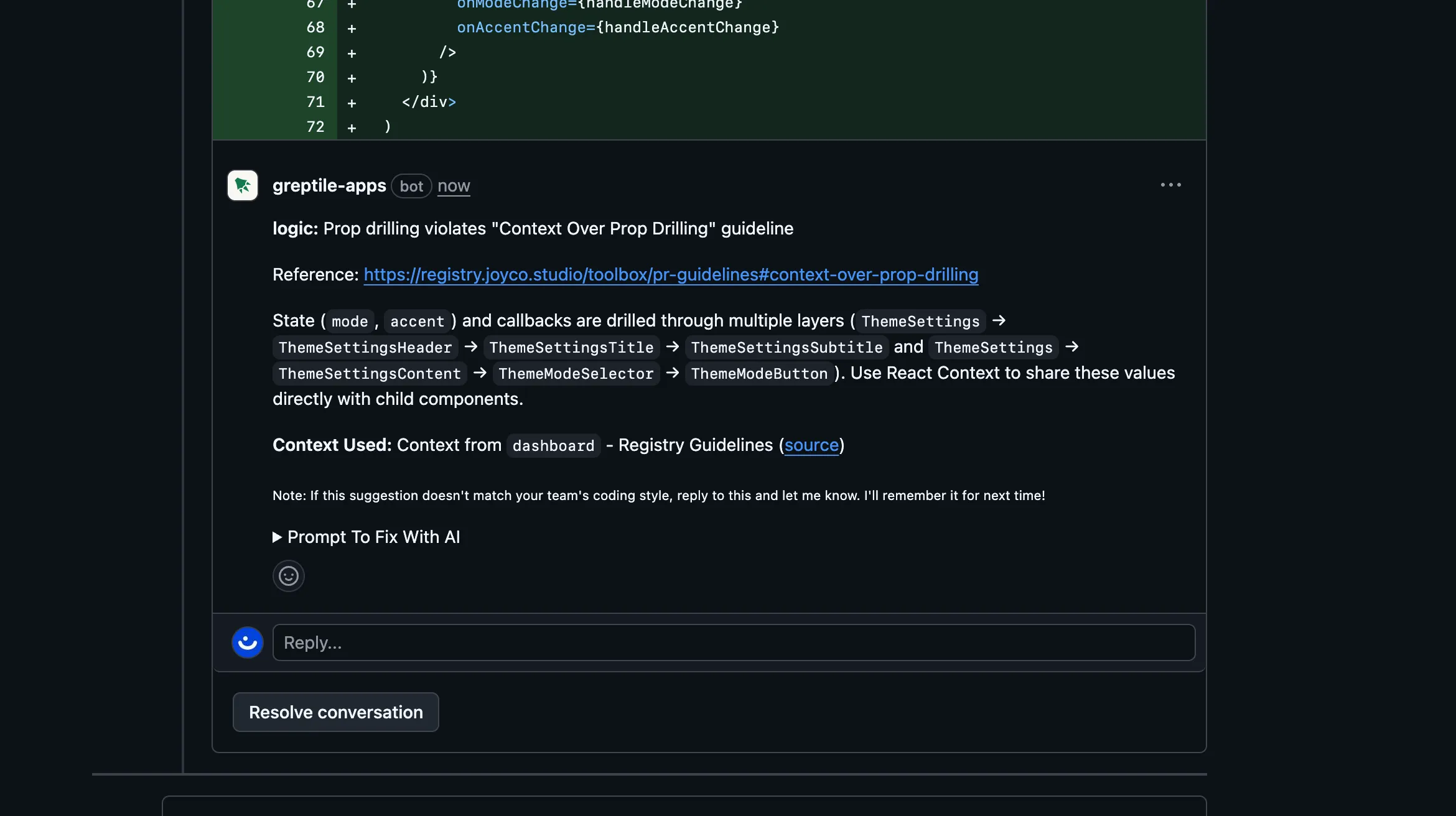
In the past, I’d review these myself (occupying my “main attention thread”). Now we have better tools like Greptile: we load a set of guidelines so the model can find specific violations in a PR diff.
This applies to both human code and agent code (like a new PR from a Cursor Cloud Agent). We collaborate as a team on improving these guidelines to refine what we ship, while delegating most review work to specialized agents.
References
- Shipping at Inference Speed by Peter Steinberger